Three free genogram templates, each a ready three-generation frame drawn with standard McGoldrick symbols. People are named by their role (grandfather, mother, index person) and have no years yet. Open a genogram template in Genogram Pro (genogram.pro), a free genogram maker, and type the real names and years over the roles, or print it as a PDF. For Word or Google Docs, insert the PNG or SVG: there is no Word file, and you do not need one.
Three-generation genogram template
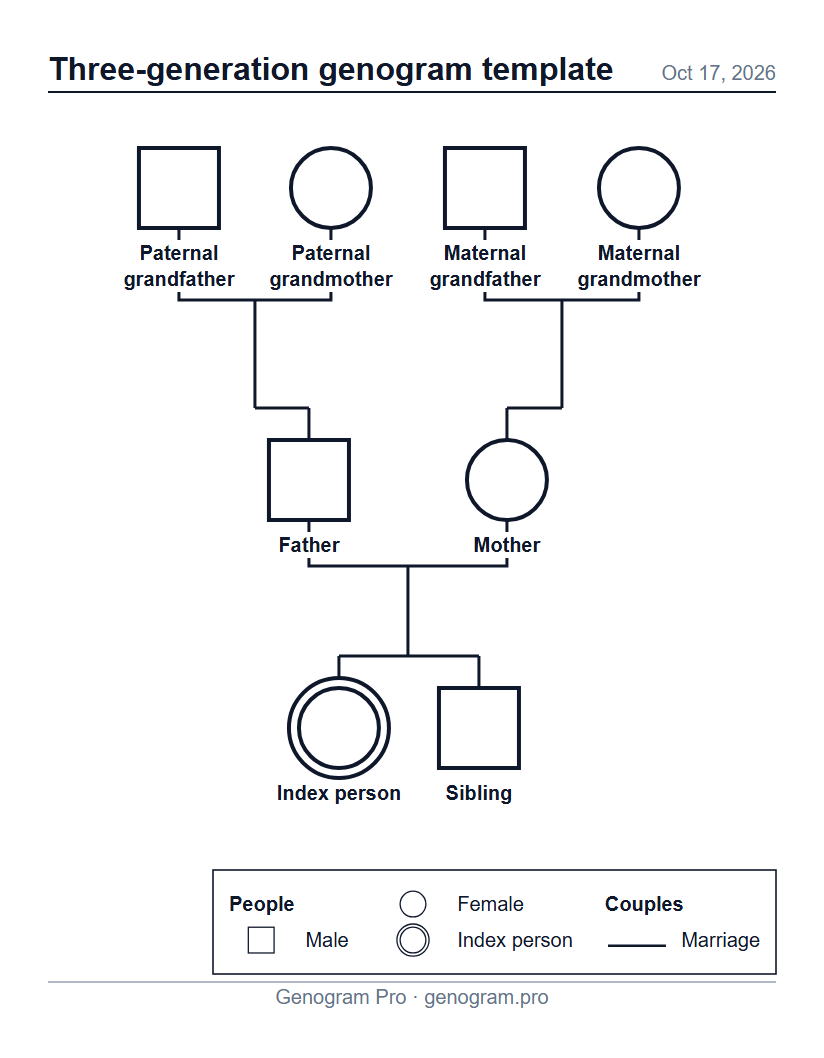
Both sets of grandparents, the parents, the index person and a sibling, named by their role and without years. Open it in the editor and type the real names and years over the roles.
Text description of this genogram
Genogram: 8 people. Paternal grandfather, male. Paternal grandmother, female. Maternal grandfather, male. Maternal grandmother, female. Father, male. Mother, female. Index person, female, index person. Sibling, male. Couples: Paternal grandfather and Paternal grandmother (marriage); Maternal grandfather and Maternal grandmother (marriage); Father and Mother (marriage). Children: Father (biological child of Paternal grandfather and Paternal grandmother); Mother (biological child of Maternal grandfather and Maternal grandmother); Index person (biological child of Father and Mother); Sibling (biological child of Father and Mother).
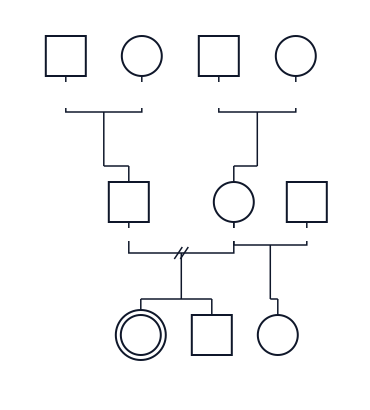
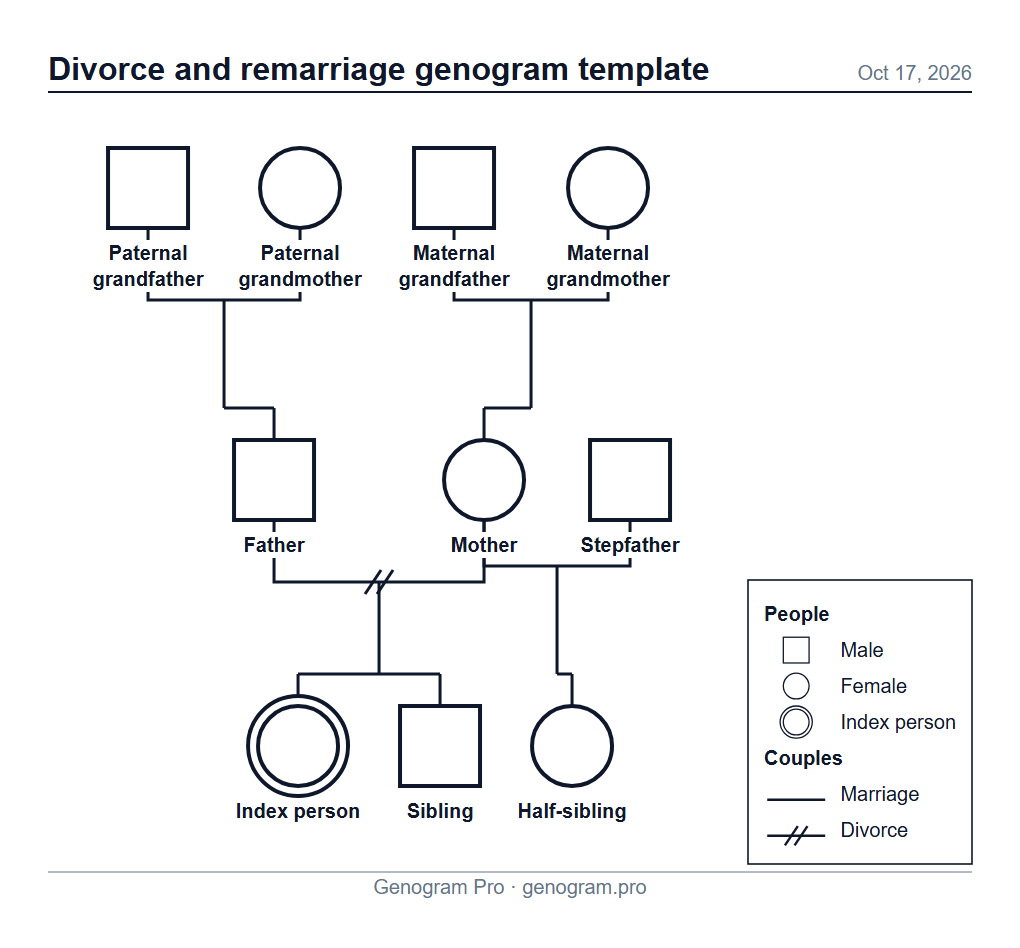
Grandparents, divorced parents, a stepfather, the index person, a sibling and a half-sibling, named by their role and without years. The two slashes mark the parents’ divorce; the half-sibling hangs from the mother’s line with the stepfather.
Text description of this genogram
Genogram: 10 people. Paternal grandfather, male. Paternal grandmother, female. Maternal grandfather, male. Maternal grandmother, female. Father, male. Mother, female. Stepfather, male. Index person, female, index person. Sibling, male. Half-sibling, female. Couples: Paternal grandfather and Paternal grandmother (marriage); Maternal grandfather and Maternal grandmother (marriage); Father and Mother (divorce); Mother and Stepfather (marriage). Children: Father (biological child of Paternal grandfather and Paternal grandmother); Mother (biological child of Maternal grandfather and Maternal grandmother); Index person (biological child of Father and Mother); Sibling (biological child of Father and Mother); Half-sibling (biological child of Mother and Stepfather).
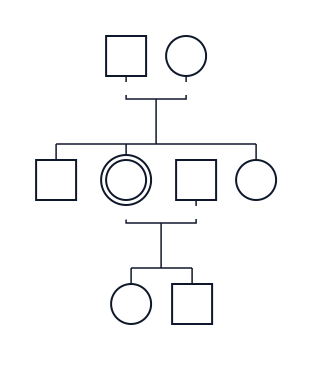
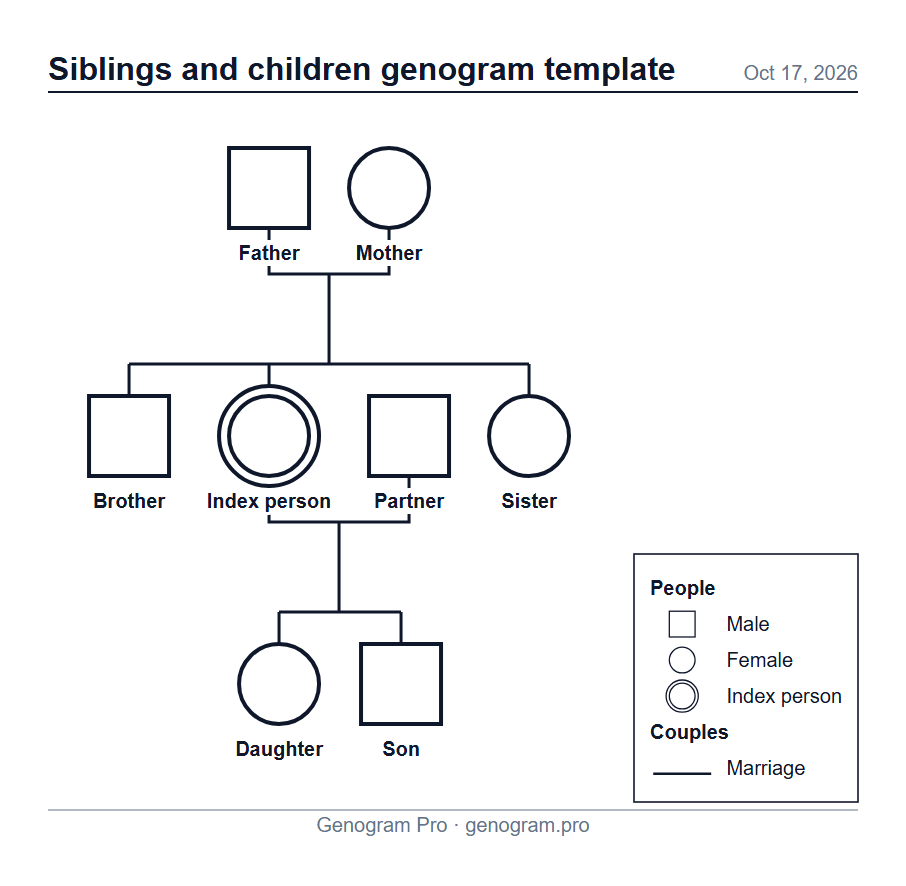
Parents, the index person with a brother and a sister, and the index person’s partner and two children, named by their role and without years. Use it when the index person is a parent: their own children sit one row below, under their couple line.
Text description of this genogram
Genogram: 8 people. Father, male. Mother, female. Brother, male. Index person, female, index person. Partner, male. Sister, female. Daughter, female. Son, male. Couples: Father and Mother (marriage); Index person and Partner (marriage). Children: Brother (biological child of Father and Mother); Index person (biological child of Father and Mother); Sister (biological child of Father and Mother); Son (biological child of Index person and Partner); Daughter (biological child of Index person and Partner).
Each template is a drawn diagram you open and edit, not a blank form with lines to write on. “Open in the editor” gives you your own copy; the template on this page stays as it is.
Name the people. Click a person and type the name over the role, then the birth year (and the death year for someone who has died). The age appears inside the symbol.
Add or remove people. Select someone and add a partner, a child, parents or a sibling with the buttons beside them. Delete anyone the family does not have.
Change a couple or a child link. Click a couple line to make it a divorce or living together; open a person to mark an adopted or foster child.
Add relationships (close, conflict, distant and others) if your assignment asks for them.
Export a PDF, PNG or SVG with a key of only the symbols you used, a title and the date.
The layout arranges itself after every change, so a template stays tidy when the family grows past three generations. You can also skip the template: open the editor and describe the family to the AI chat in plain words.
Genogram template for Word and Google Docs
There is no Word file here, and Genogram Pro does not export one. Drawing a genogram from shapes in Word is slow, and every change means moving lines by hand. Make the genogram here, then put it into your document as a picture:
In Microsoft Word
Download the template’s PNG above, or export your finished genogram from the editor as PNG (or SVG).
In Word, click where the genogram should go, then choose Insert > Pictures > This Device (on a Mac, Insert > Pictures > Picture from File) and pick the file.
Drag a corner to resize it. Word in Microsoft 365 also accepts the SVG, which stays sharp at any size.
In Google Docs
Download or export the PNG (Google Docs does not take SVG files).
Choose Insert > Image > Upload from computer and pick the PNG.
The picture in your document cannot be edited name by name. To change it, change the genogram in the editor and export again: your diagram is saved in your browser, and you can save it to a .genogram file too.
Printable genogram template
Each template has a PDF on Letter and on A4, with a key of its symbols. It prints the frame with the role names, so it suits a class handout or a first sketch you complete by hand. For a finished genogram, fill in the template in the editor and export your own PDF: you choose the paper and landscape or portrait. The header carries a title (the diagram’s name) and today’s date; your name and a “Confidential” mark are yours to add. The key lists only the symbols you used.
Templates and examples are free to use, with no account needed. Free exports carry a small “Made with Genogram Pro” badge; Professional exports have none.